You are ready to send the reconciliation letter. One task remains: the statement. You open the ERP, run the account statement report, set the date range, save it as PDF and attach it to the email. Two days later the reply arrives: "Our balances disagree, can we look at this line by line?" At that moment the file you sent becomes useless. A PDF is a picture of a report. You cannot sort it, filter it, or line it up beside the counterparty's version.
Exporting a statement is not the same as pressing a button on a report screen. If the wrong report, the wrong columns, the wrong file format or the wrong period cut-off is chosen, the file proves only that you sent something. This guide covers how to get a usable customer or vendor statement out of the systems most common in Turkey — SAP, Logo Tiger and GO, Logo Netsis, Mikro, Luca and Zirve — and what breaks on the way out. Menu names and report titles shift between versions and installations, so this guide is built around what the output has to contain rather than a tour of menus. The required columns and the export traps do not change.
Format first: a PDF statement slows reconciliation down
A statement does two different jobs. One is formal notification: it states a balance at a cut-off date, gets signed and gets archived. The other is working material: it is used to find where a difference comes from. PDF does the first job well and cannot do the second at all.
The practical rule is simple. Send the letter and the signed copy as PDF, and attach the statement as Excel or CSV as well. Ask for the same thing when you request a statement. That single habit removes an entire round from the exchange, because when the "let's look line by line" reply arrives, the counterparty already has the file.
The need has grown sharper in Turkey since the Form Ba-Bs filing was abolished. The 565th General Communiqué on the Tax Procedure Law, published in the Official Gazette on 25 September 2024 (issue 32673), removed the obligation from the September 2024 period onward. With that rough cross-check gone, the account statement is the ground both sides stand on, which makes machine-readable output the method rather than a convenience.
The columns a usable statement must carry
You can judge a statement by its columns before you read a single line. Seven fields matter:
- Document date and posting date. They can differ, and almost every cut-off argument is settled by that distinction.
- Document number. Invoice number, bank advice or receipt reference. This is the anchor of matching; an empty document number column forces matching to guess from amount and date alone.
- Description. On payment lines it is often the only field that says which invoice was intended.
- Debit and credit in separate columns. A single amount column with direction hidden elsewhere is the most common source of reversed comparisons.
- Transaction currency amount, currency code and rate. Sending only the local-currency figure makes any exchange rate difference impossible to discuss.
- Running balance. The fastest way to prove the export is complete is that the last line reproduces the report total.
- Account code and tax number. When a group has two entities, or one supplier has two cards in your ledger, these two fields decide which relationship you are actually comparing.
How those lines are read once you have them, and why debit and credit sit mirrored in the two ledgers, is a separate subject. This guide is about getting the file out.
SAP: FBL5N, FBL1N and the layout problem
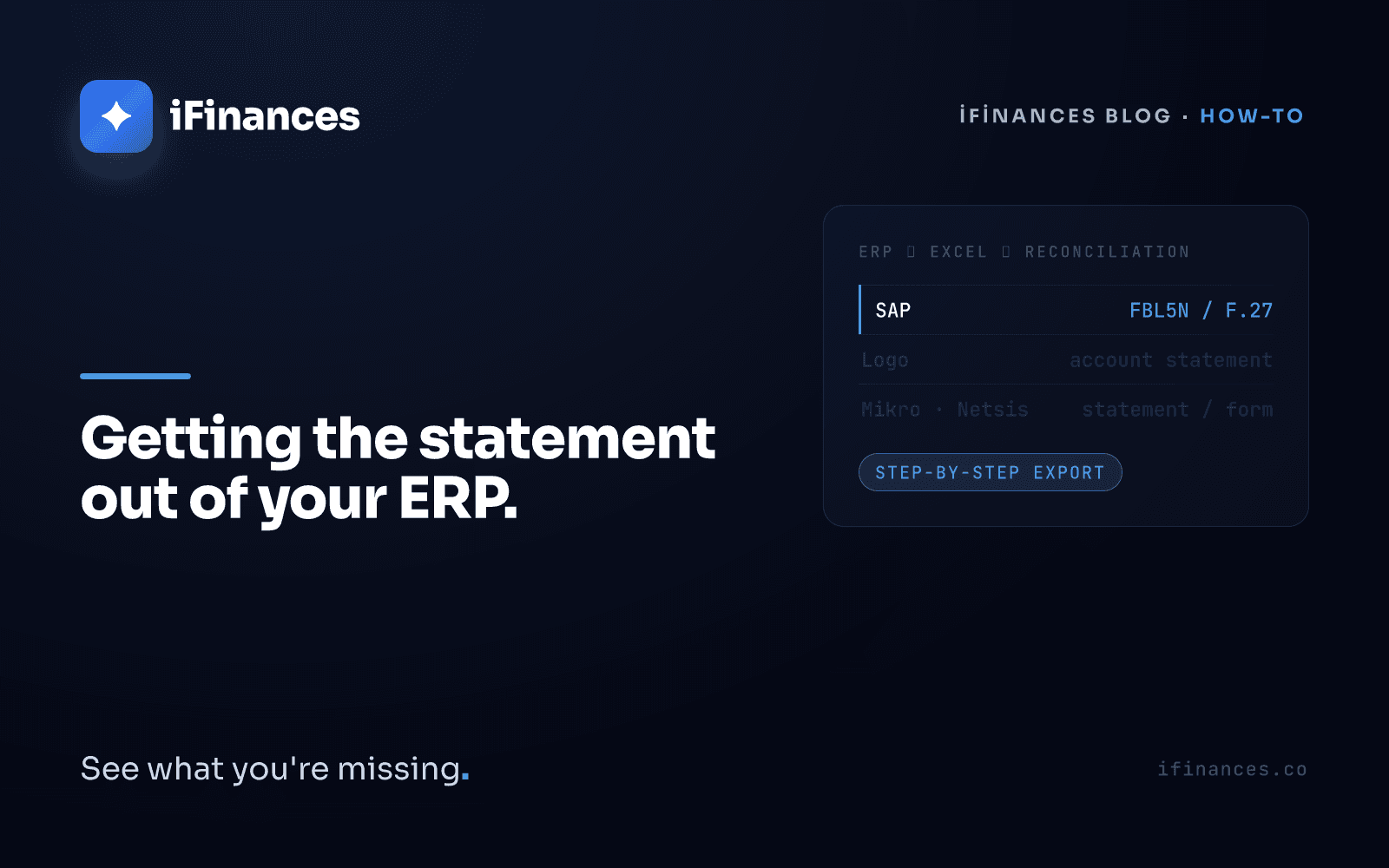
In SAP the statement does not come from a single statement report. It comes from line item lists: FBL5N for customers, FBL1N for vendors, the standard line item display transactions in SAP FI. Three settings decide whether the output is usable.
Item selection. The default is often open items. For reconciliation you need all items, with the key date set to the reconciliation cut-off. An open-item-only list omits everything cleared during the period, so it will never agree with the counterparty's ledger.
Layout. The default view is too narrow for this work. Add document number, reference, assignment, clearing document, document currency and document amount, then save the layout; the SAP Help Portal documents how the layout is changed in these transactions. A saved layout means next month's file has the same shape as this month's, which is what makes a reconciliation routine repeatable instead of artisanal.
The clearing illusion. A cleared item in SAP is not an agreed item. Clearing says a line found a counterpart inside your own books; it says nothing about the counterparty's books. It is an operation that completes inside one ledger, and reconciliation is the comparison of two.
When exporting, choose the spreadsheet output rather than the plain text output, which preserves column padding and can turn numbers into text.
Logo, Netsis, Mikro and the rest
Which report produces the statement in these systems differs between versions and installations, so the useful question is not which menu but what the file has to contain. Three details deserve attention.
The opening balance line. If you intend to compare opening balances too, the brought-forward line has to be in the file. Without it you will see a constant difference exactly equal to the carry-forward amount, and that difference can never be found by scanning transactions.
Report styling. Formatted report output repeats page headers, inserts subtotals and merges cells. Ask for the plain table export instead. A decorated file is a file someone has to clean by hand before it can be compared.
Reverse balances. Logo Netsis documentation defines a separate period-end reverse balance account control report that flags receivable accounts sitting in credit and payable accounts sitting in debit. It is worth running before you send anything, because a reversed card almost always carries an advance, a duplicate payment or a direction error. We list the questions to ask when two ledgers refuse to agree in nine causes of a reconciliation difference.
Mikro follows the same logic, with one addition: if the account is in foreign currency, check that the transaction currency amount, the currency code and the rate applied all reached the file. A statement carrying only the local-currency column is the most frequent gap in reconciliations with foreign-currency suppliers. Luca and Zirve are often operated by the external accountant rather than by the company, so the deciding factor there is the request itself. Ask for a named account code, a date range, separate debit and credit columns, document number and description, and no subtotals.
Six ways an export goes wrong
One. Sign and direction. If the amount arrives in a single column, find the field carrying direction. A comparison that ignores it reads payments as charges and doubles the apparent difference.
Two. Merged cells and report furniture. Repeated headers, logo rows and merged cells make a file look like a table without being one. One header row, data underneath — that is the target.
Three. Date formats. In the same file some dates arrive as real dates and others as text, and day-month order varies by system. Normalise before comparing.
Four. Number formats. Thousands separators, currency suffixes and negatives written in parentheses all turn a number into text. A text amount column does not add up, and a column that does not add up cannot reconcile.
Five. Dropped currency columns. With only the local-currency figure, an exchange rate difference is invisible, and if the two sides used rates from different dates the gap cannot be explained.
Six. Subtotals and pagination. Subtotal rows scattered through a report are counted as real transactions during comparison and inflate the balance.
All of this can be fixed by hand in a spreadsheet, and that is exactly the problem. Panko's field audits of operational spreadsheets found at least one error in roughly 94% of the workbooks examined. A Gartner survey from July 2023 (n=497) found that 18% of accountants make errors every day and 33% make them several times a week. Every manual cleanup round adds a fresh source of error to the very process meant to catch errors.
The export is clean and the balances still disagree
Suppose the file comes out right: seven columns present, no subtotals, dates normalised. The counterparty sends theirs, and the balances still disagree. From here it is no longer an export problem. It is a matching problem.
Start by equalising three things: cut-off date, currency and scope. Then go to line level. One invoice may be settled by several payments, one payment may close several invoices, a partial settlement may be split across periods, and a single transfer may belong to two accounts at once. None of that is visible from a balance figure, which is why a matching balance with mismatching lines is the most misleading state a reconciliation can be in. Duplicate and erroneous payments are themselves a measured category: APQC benchmarks put them between 0.8% of annual disbursements for top-quartile organisations and 2% for the bottom quartile. That is the kind of thing line-level checking exists to catch.
This is where iFinances fits. It puts your ledger export, your bank statement and your e-invoice data into one table, whatever the source system — Logo, SAP, Mikro, Netsis, Luca, Zirve or plain Excel. The matching engine handles FIFO and invoice-specific settlement, split partial payments, bulk payments allocated across invoices, rounding tolerance, and cross-currency comparison at the official central bank rate. Every match carries a written reason beside it: the amount agrees, the date fits, the reference points to this invoice. You can send the counterparty a secure link to upload their own statement, so they need no software of their own. The limits are equally clear: iFinances does not keep your books, does not create entries and does not close any line on its own. It proposes; you decide. The method is set out on the supplier statement reconciliation page and in our guide to three-way reconciliation across bank, e-invoice and ledger data.
The most practical step available today is small. On your next reconciliation round, export the statement as a spreadsheet alongside the PDF, check the seven columns, and ask the counterparty for the same. The round after that will be shorter.
Frequently Asked Questions
Which SAP transaction exports a customer or vendor statement?
FBL5N lists customer line items and FBL1N lists vendor line items; these are the standard line item display transactions in SAP FI, and the menu path can differ by installation. Select all items rather than open items only, set the correct key date, and build a layout that includes document number, reference, assignment, clearing document and currency. Save the layout, then export to a spreadsheet. Balance summary reports return totals, not lines, so they cannot support line-level reconciliation.
Is a PDF statement good enough for reconciliation?
It is good enough to state a balance and not good enough to find a difference. A PDF is an image of a report: you cannot sort it, filter it or place it beside the counterparty's file. The moment two balances disagree, the work moves to line level and you need Excel or CSV. Sending both, a signed PDF as the formal copy and a spreadsheet as the working copy, avoids a second round of email.
Why does my export show one amount column instead of debit and credit?
Some reports collapse the amount into a single column and carry direction in a separate sign or letter. If you compare that file as it stands, every payment is read in the wrong direction. Use the report option that splits debit and credit where one exists; otherwise define the direction column explicitly before handing the file over, and check that your totals still reproduce the closing balance.
Our Turkish subsidiary keeps books in Logo or Mikro. What should I ask for?
Ask for one thing in one sentence: an Excel or CSV statement for a named account code and date range, with separate debit and credit columns, document number, description, no subtotals and no merged header rows. If the account is in foreign currency, also request the transaction currency amount and the currency code, since the local-currency column alone hides the exchange rate difference.
✦ iFinances — See what you're missing.