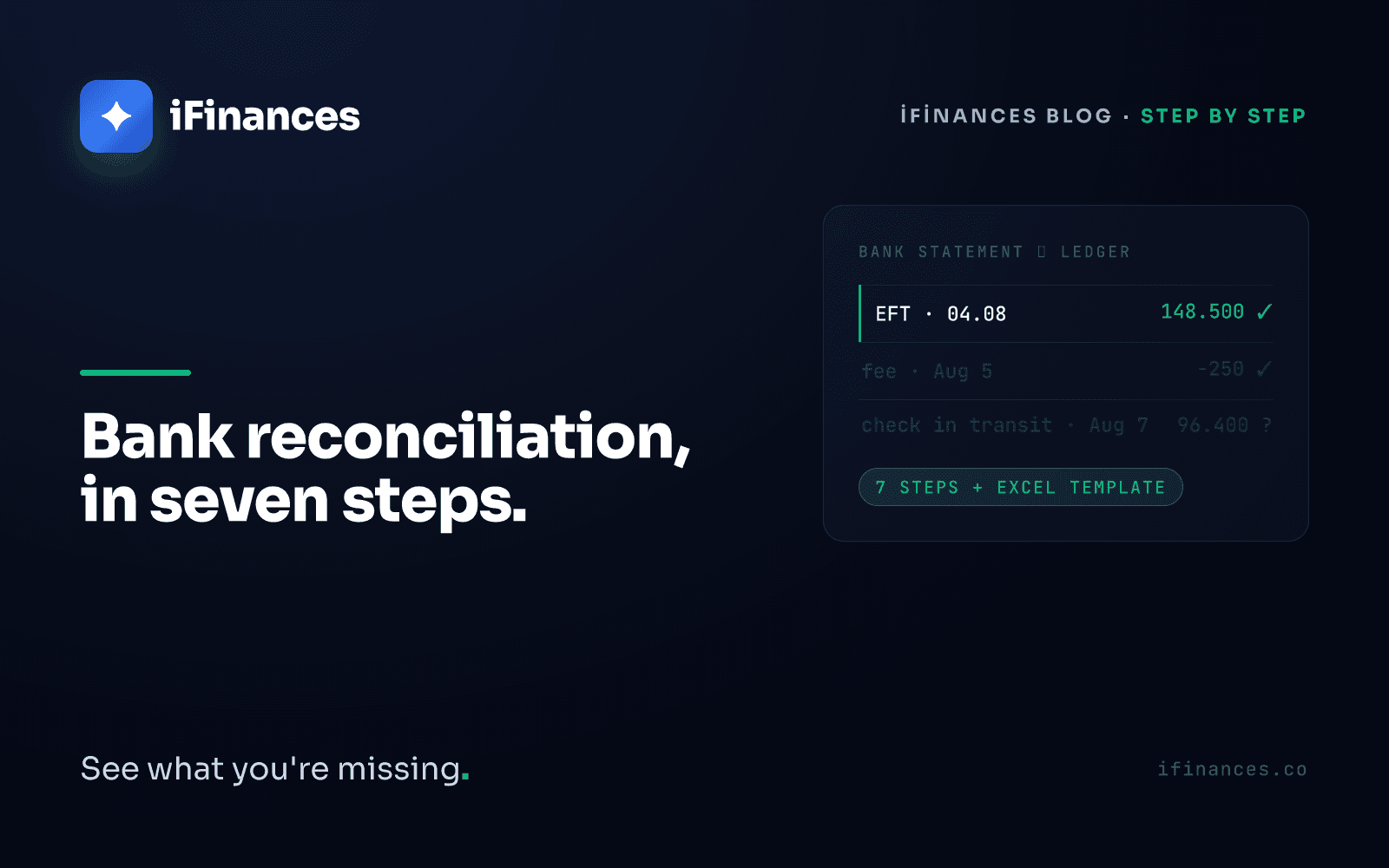
If the bank balance in your ledger and the closing balance on your bank statement disagree at month-end, one of two things is true: something in your books is missing or wrong, or a legitimate bank transaction simply hasn't reached the ledger yet. A bank reconciliation is the process that separates those two possibilities systematically: you lay the bank's records and your own records side by side, close out the lines that match, and explain every line that doesn't. When you are done, either the two balances agree or the difference is fully accounted for by a documented list of open items.
That sounds simple; in practice it eats hours of a finance team's month. And for teams working in Türkiye, practical step-by-step guidance is surprisingly thin — local search results are dominated by translated glossaries and software documentation rather than field manuals. This article is that manual: a seven-step process, the two-column Excel method, a template you can download without signing up, and an honest look at the point where you should stop doing this by hand.
What Is a Bank Reconciliation — and How Does It Differ from Account Reconciliation?
A bank reconciliation compares the bank-account movements in your ledger (tracked under the "Banks" accounts of Türkiye's uniform chart of accounts) against the statement issued by your bank. The key difference from account reconciliation is who sits on the other side. In account reconciliation, two trading partners compare ledgers that both keep by hand — and both can be wrong. In a bank reconciliation, the counterparty is a bank whose records are generated by its systems at transaction time, so most differences originate on your side of the table: late entries, missing entries, wrong amounts.
The second difference is procedural. Account reconciliation needs the counterparty's confirmation — letters and replies; and where the parties have a written current-account agreement, the one-month objection window under Article 94 of the Turkish Commercial Code applies too, as we explain in what happens when a reconciliation letter goes unanswered. In a bank reconciliation you send no letters, because the statement already is the bank's declaration. The whole job sits on your desk: compare, explain, correct. For the full landscape of reconciliation types, see our complete guide.
The Seven Steps of a Bank Reconciliation
1. Get the statement as data, not as a PDF. Download the period statement from online banking as CSV or Excel; corporate banking channels in Türkiye also offer standard formats such as MT940. A PDF is for reading; a data file is for reconciling — you can filter, sort, and compare with formulas. Column names vary from bank to bank, but every statement carries the same four essentials: date, description, amount, and running balance.
2. Pull the ledger for the same period. Export the movements of the same bank account, for the same date range, from your accounting or pre-accounting software. If you hold several bank accounts, reconcile each one against its own statement; pooling accounts together makes difference-hunting impossible.
3. Agree the opening balances. The ledger's opening balance must equal the statement's opening balance. If it doesn't, an unresolved difference has carried over from the previous period — resolve that first. Starting from a dirty opening stacks old differences on top of new ones.
4. Match line by line. The primary key is amount plus date; descriptions and reference numbers act as verifiers. Close the one-to-one matches first, then handle the one-to-many cases: POS receipts credited as a single end-of-day total, one invoice paid in two instalments. Allow a one-to-two-day tolerance for weekends and value dates — but write the tolerance down as a rule rather than stretching it case by case.
5. Collect the open items into two lists. Every unmatched line is an open item and belongs to one of two lists: on the statement but not in the ledger, or in the ledger but not on the statement. Most are not errors but timing and fee items — the glossary below covers the usual suspects. The discipline that matters: every open item gets a reason and a supporting document. There is no such category as "unknown difference."
6. Post the correcting entries. Legitimate statement-only items — commissions, account fees, standing payment orders — get posted to the ledger. For ledger-only items, go back to the source document: fix the entry if it is wrong, and contact the bank if a transaction that should appear doesn't. Confirm the account coding of corrections with your accountant; hasty fixes just move the difference to another corner of the balance sheet.
7. Confirm the close and archive. After corrections, the ledger balance and the statement's closing balance must agree. Keep the reconciliation sheet together with the statement and supporting documents: in Türkiye, Article 82 of the TTK (Türk Ticaret Kanunu, the Turkish Commercial Code) requires merchants to retain commercial books and records for ten years, and Article 253 of the VUK (Vergi Usul Kanunu, the Tax Procedure Law) sets a five-year retention and presentation duty for tax purposes. Today's reconciliation is tomorrow's first audit request.
The closing test: the gap between the statement balance and the ledger balance must equal the net total of your open-item list to the cent. If it doesn't, a line was skipped somewhere in the matching.
The Two-Column Excel Method — and a No-Signup Template
Build two blocks on one sheet: statement lines on the left (date, description, amount), ledger lines on the right. Add a "match number" column to both blocks and give each matched pair the same number. Whatever remains unnumbered is, by construction, your open-item list; classify each line with a status column (fee, value date, payment in transit, error). The ready-made template below ships with a per-line match flag; if you also want a match-number and a status column, add those two yourself. At the bottom, keep the two balances and the net total of open items side by side — that way the closing test stays in view the whole time.
If you would rather not build this from scratch, we have done it for you: download the bank reconciliation Excel template. No registration, no email address — download it, paste in your own statement, start matching. It ships with the statement and ledger blocks, a per-line match flag, and a reconciliation summary that computes the adjusted balance.
A Glossary of Open Items: Legitimate Reasons the Balances Differ
- Payments in transit: a cheque you have issued that has not been cashed, or a transfer instructed but not yet executed. In the ledger, not on the statement.
- Value-date differences: the gap between the transaction date and the date the amount hits the balance; around weekends and holidays it can cross the period boundary.
- Bank commissions and account fees: small, regular deductions on the statement that the ledger usually learns about only at month-end.
- Transfer (EFT/wire) charges: the transfer gets recorded; its fee gets forgotten. Small but chronic — a classic source of month-end differences.
- POS deductions: the gap between gross card receipts and the net amount credited. If the commission is not shown as its own statement line, gross-versus-net confusion grows.
- Standing payment orders: utilities, telecom, rent — they hit the statement instantly; the ledger finds out later.
The Most Common Mistakes
- Rekeying a PDF statement by hand. Slow, and it manufactures exactly the kind of error — mistyped amounts — that reconciliation exists to catch.
- Skipping the opening-balance check. Last month's unresolved difference bleeds into this month, and the two periods' gaps become inseparable.
- Waving a small difference through as "rounding." A small net difference can be two large errors pointing in opposite directions. The difference-hunting tactics in our guide to the 9 causes of reconciliation gaps apply on the bank side too.
- Matching same-amount lines carelessly. Two transactions with the same amount on the same day must not be paired without checking references — otherwise duplicates can mask each other. For systematic detection of duplicates and missing entries, see our piece on financial anomaly detection.
- Looking in one direction only. Hunting statement-only items while ignoring ledger-only lines is half a reconciliation.
When the Spreadsheet Breaks: the Automation Threshold
The effort of comparing two lists does not grow linearly with transaction count: the more lines, the more same-amount candidate matches, and every ambiguous candidate demands a human decision. With one bank account and a few dozen movements a month, the two-column method works fine. Add multiple banks, POS terminals, credit cards, and foreign-currency accounts, and reconciliation turns into work that is rebuilt from scratch every month and never learns anything: a spreadsheet keeps no reasons, remembers no past matching decisions, and flags no anomalies on its own.
Cloud tools do not always remove the manual core either. Paraşüt, a popular Turkish cloud pre-accounting product, describes bank reconciliation in its official guide as uploading the Excel statement downloaded from the bank, mapping four columns by hand, and confirming the suggested matches transaction by transaction (source). That flow brings order — but the matching decision still comes back to the user, line by line.
iFinances was built for the far side of that threshold: you upload your Excel/CSV statement, the engine matches lines automatically, and every match carries an explainable justification — which amount, which date tolerance, which reference. Missing entries, duplicate lines, and amount deviations are flagged as anomalies. And the bank does not stand alone: three-way reconciliation across bank, e-invoice, and ledger joins the three traces of the same transaction on one screen. Why this is a different category from balance-confirmation tools is the subject of our sender-versus-matching-engine essay.
Start with the template and close this month's reconciliation in seven steps. If volume is outgrowing the spreadsheet — the open-item list keeps stretching, the close keeps slipping — get in touch to see automated matching on your own statement, and read where account and bank reconciliation part ways as your next stop.
Frequently Asked Questions
How often should a bank reconciliation be done?
Common practice is monthly, alongside the period close; high-volume businesses move to weekly or even daily checks to spread the load. The more frequent the reconciliation, the fewer open items pile up each round and the fresher the errors you catch. No law prescribes a specific frequency — it is a discipline kept for control, audit readiness, and faster closes.
In what format should I get my bank statement?
For reconciliation, prefer data formats such as CSV or Excel; corporate banking channels also offer standards like MT940. A PDF is only for visual checking — it cannot be filtered, sorted, or compared with formulas, and rekeying it by hand manufactures exactly the kind of error reconciliation exists to catch.
What are the most common bank reconciliation mistakes?
Starting without agreeing the opening balances, rekeying PDF statements by hand, dismissing small differences as rounding, and pairing same-amount transactions without checking references. Forgetting to post bank-originated items such as transfer fees and POS commissions to the ledger is another chronic source of differences.
What is the difference between a bank reconciliation and an account reconciliation?
A bank reconciliation compares your own ledger against your bank's statement and needs no counterparty confirmation, because the statement already is the bank's declaration. An account reconciliation compares your ledger with a trading partner's ledger and involves letters and confirmations; in Türkiye, where the parties have a written current-account agreement, the objection window under Article 94 of the Turkish Commercial Code applies as well. The two processes complement each other but run very differently.