VLOOKUP does not return wrong answers. That is precisely the problem. If it cannot find the key it writes #N/A; if it can, it returns the first match — and it never asks whether the two rows describe the same real transaction. Reconciliation does not break where the formula errors out. It breaks where the formula quietly works. This piece neither defends nor attacks the spreadsheet: it maps how far a lookup carries you, the six places it goes quiet, and how to notice the silence.
A lookup is one-to-one. Reconciliation is not.
VLOOKUP, and its more flexible sibling XLOOKUP, sign a simple contract: give me one key, take one row. The key is singular, the answer is singular, the relationship is one-to-one.
Supplier and customer accounts are not one-to-one. Three invoices clear with a single transfer. One invoice is paid in three instalments. Two unrelated invoices carry the same amount. A payment lands before the invoice. A credit note appears in the middle. None of this is unusual — it is simply how trade works. And none of it maps one key to one row. The formula does not know that, and it will not tell you.
Spreadsheet error is not folklore either; it has been measured. In the field audits compiled by Ray Panko, roughly 94% of the operational spreadsheets examined contained at least one error. The often-quoted "88% of spreadsheets contain errors" also comes from Panko: a different compilation found errors in 88% of 113 spreadsheets audited. In a Gartner survey of 497 accountants published in July 2023, 59% said they make errors at least several times a month, 33% at least several times a week, and 18% every day. Read them as nested bands rather than separate groups: the daily group sits inside the weekly one, which sits inside the monthly one. When the formula goes quiet, the safety net is a human being — and that human gets tired too.
The six places VLOOKUP goes quiet
The figures below are illustrative, not taken from a real file. Amounts are in Turkish lira (TRY) unless stated otherwise.
One. Partial payments: the amount you are looking for does not exist
A TRY 96,400 invoice was settled in two instalments, TRY 54,900 and TRY 41,500. Search by amount and you get #N/A, because no line in the statement says 96,400. Search by invoice number and you get one row; the second instalment never surfaces and the invoice stays half open on your side.
The spreadsheet answer is a running balance column with payments applied in date order. What you are now doing is not lookup — it is FIFO clearing, executed by hand. Every new payment recalculates the whole column, and a month later nobody but you can drive the file.
Two. Lump-sum payments: one transfer, nine invoices
A single TRY 268,750 transfer may be clearing nine invoices. There is no lookup key here at all, because the transfer points to nothing.
This is a subset-sum problem: which combination of invoices adds up to exactly that figure? Solver will answer for small sets. But as the candidate list grows, several different combinations produce the same total, and Solver cannot tell you which one was actually paid. What resolves it is the remittance narrative and the due-date order — information that is not in the column your formula is reading. Transfers that arrive with no description at all are the hard version of this, and only one of the reasons two ledgers drift apart; we list the others in nine reasons a supplier balance does not match.
Three. Rounding: exact really does mean exact
VAT rounding, a bank charge, an FX remainder. A difference of 0.01 — one kuruş, the hundredth part of a lira — between TRY 96,400.01 and TRY 96,400.00 puts the two figures in different universes as far as an exact-match lookup is concerned.
Flipping to approximate match does not rescue you. That mode returns the largest value less than or equal to the key in a sorted list; in an unsorted statement it will silently choose a neighbouring row and look confident doing it. A real tolerance requires a rounded helper key or a COUNTIFS range scan. That is doable — but the decision about how large a gap counts as tolerance and how large counts as a genuine difference now lives in your head and is written down nowhere.
Four. Foreign currency: which rate, which day?
A EUR 15,000 invoice settled by a receipt in lira. To compare the two at all you must convert; but at the invoice-date rate, the payment-date rate, or the central bank's official rate?
In a spreadsheet the rate column is filled in by hand, and every hand-filled column goes stale next period. Worse: an FX difference does not invalidate a match. The invoice is closed; the gap is an exchange difference and belongs in its own account. A lookup cannot make that distinction. It just says "does not tie", and the line lands on your differences list.
Five. Duplicates: the formula returns the first hit
If the same invoice was entered twice, VLOOKUP returns the first row and the second one falls out of the reconciliation entirely. The same happens on the bank side: one duplicate payment matches, its twin becomes invisible.
This is the most expensive silence in the file. According to APQC's benchmarks, duplicate or erroneous payments run at about 0.8% of annual disbursements for top-quartile organisations and 2% for the bottom quartile. Hunting duplicates in a spreadsheet is a separate exercise — COUNTIF on the invoice number, then a manual check by date and amount. Almost nobody does it every month.
Six. The reference field is free text
The counterparty writes whatever it likes: "INV-2026/1184", "INV 2026 1184", "payment for inv 1184", or nothing at all. Then come the mechanical traps: invisible leading and trailing spaces, numbers stored as text so that "1184" is not equal to 1184, and case conversion that behaves unexpectedly once non-English characters enter the data — a Turkish dotless "ı" does not upper-case the way your formula assumes.
Each of these adds a TRIM, SUBSTITUTE or VALUE layer. After five layers even you cannot read the formula — and a formula nobody can read is a formula nobody can audit.
The newer tools move the problem, they do not remove it
The usual objection at this point is that VLOOKUP is twenty-year-old advice, and that dynamic arrays or Power Query solve all of this. They are genuinely better tools. They break in the same place.
Take FILTER and XLOOKUP together. FILTER will happily return every payment line carrying invoice 1184, so you finally see both instalments instead of one. But a list is not an allocation. Nothing in the formula decides how much of the TRY 268,750 transfer belongs to invoice 1184 and how much to the eight other invoices it cleared; nothing splits an instalment across two open items; nothing records why you split it that way. You get better visibility into the same undecided problem.
Power Query looks like the real answer, and for a clean one-to-one join it is. Merge the supplier statement with your own ledger on invoice number and you get a tidy, refreshable table. Then reality arrives. If the invoice number appears twice on one side and three times on the other, the merge returns six rows, not one — a small cartesian expansion that inflates your totals in a way nobody notices until the control figure moves. A partial payment produces a many-to-one expansion of the invoice row. A lump sum matches nothing and lands in the unmatched bucket with no key to work from. And when you refresh next month, the query re-runs the join but not your judgement: every manual decision you made in the differences tab has to be made again, because a query step can encode a rule but not a reason.
A fictional but familiar month
Picture a finance manager's screen. The figures here are invented for illustration, though the shape of the month is not. The supplier's statement runs to 356 lines; your accounts payable subledger for that supplier runs to 371. A lookup on the invoice number ties most of them, leaving forty-odd unmatched rows and a six-figure TRY gap.
Work through those rows and the breakdown always falls into the same six buckets:
- Partial payments. Invoices look open; half the money is already in.
- Lump-sum transfers. A handful of remittances clearing dozens of invoices, none of them pointing anywhere.
- Rounding gaps. Lines that dropped out of exact match but were in fact settled.
- FX lines. Both sides booked a different lira amount because they picked a different rate.
- Duplicates. One entry matched, its twin swallowed.
- Free-text references. The same invoice written three different ways.
None of this is unsolvable in a spreadsheet. All of it is solvable — one row at a time, by eye. The cost is not the licence, it is the calendar: two people for the better part of a week. And that week restarts every month, because none of the reasoning is recorded anywhere. Next month the same invoice gets the same investigation. Free tools do not change that arithmetic either; we looked at where they actually stop in is there free reconciliation software.
Where the spreadsheet genuinely is enough
The honest boundary: a few hundred lines a month, in a single currency, one payment per invoice, with a disciplined reference field — a spreadsheet is fine. Do not buy software. A good template and a fixed monthly calendar will serve you better.
The break point is the relationship type, not the row count. A short statement full of foreign-currency invoices and lump-sum receipts is harder than a much longer single-currency one. The moment one of those three conditions fails — currency enters, lump-sum receipts start, the counterparty writes free-text narratives — what you are doing stops being reconciliation and becomes manual matching.
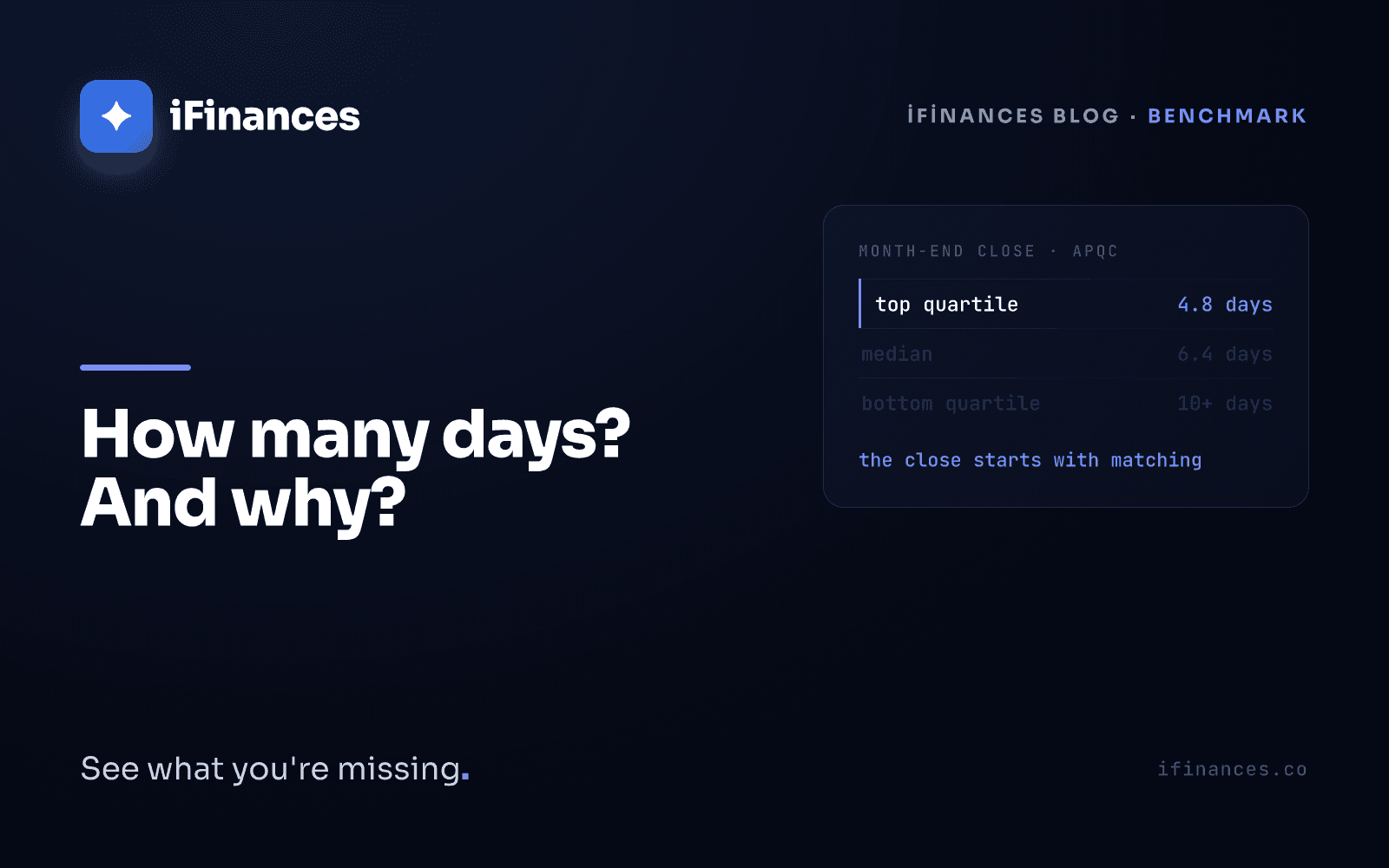
There is a calendar dimension to that boundary too. In APQC's benchmarks the monthly close takes 4.8 days or less in the top quartile, 6.4 days at the median, and more than 10 days in the bottom quartile. Ventana Research found in 2023 that only 31% of organisations have automated most or all of their reconciliations, while 58% close within six business days. Teams doing this entirely by hand rarely land in the top quartile. We argue the broader case — that reconciliation is trust infrastructure rather than a spreadsheet exercise — in reconciliation is not a spreadsheet.
If your counterparties file in Turkey, one external check disappeared along the way. The Form Ba-Bs declaration was abolished from the September 2024 period by General Communiqué No. 565 on the Tax Procedure Law, published in the Official Gazette of 25 September 2024, issue 32673. For twenty years the tax administration cross-checked what two companies declared about each other, and a mismatch came back as a question. That prompt is gone. If nothing replaced it, the moment you discover a mismatch with a supplier is now year-end — or an audit.
What a vendor reconciliation format can and cannot hold
Most searches for a reconciliation template want a layout, and a layout is worth having. A usable vendor reconciliation format carries the opening balance on both sides, invoices and credit notes with document number and date, payments with value date and remittance narrative, a column for the matched document, a column for the difference, and a reason column that is filled in words rather than colours. Anything colour-coded dies the moment the file is filtered, sorted or emailed.
What no template can hold is the allocation itself. A column cannot record that this TRY 268,750 transfer paid seven invoices in full and one in part, that the remaining 0.01 was accepted as rounding under a stated threshold, that the EUR line was converted at the official rate on the payment date, or that the duplicate on line 214 was a re-keyed entry rather than a second delivery. Those are decisions with reasons attached, and a grid of cells has nowhere to put a reason. That is why the template shows you the gap and never explains it.
What is needed where the formula stops
The step after Excel is not a cleverer formula; it is a different data model. Matching has to be modelled as many-to-many clearing rather than one-to-one lookup: a payment must be splittable across invoices, an invoice must be closable by several payments, rounding must be a declared tolerance, currency must convert at an official rate, and every match must carry a written reason beside it.
That is what iFinances does. It brings ledger records, the bank statement and e-invoice data into one table; it matches with FIFO and invoice-specific clearing, partial-payment splitting, lump-sum allocation and a kuruş-level tolerance; and it converts foreign-currency lines at the Turkish central bank's official rate. It compares the name in a bank narrative against your counterparties using accent-folded similarity and produces a suggestion — the decision stays with you. It flags missing invoices, duplicate entries and amounts outside the usual pattern. It drafts the reconciliation letter, renders the PDF and archives the signed copy; the counterparty can upload their own statement through a secure link without needing any software of their own. Files arrive from Logo, SAP, Mikro, Netsis, Luca, Zirve or plain Excel and are read as they are.
The limits, stated plainly: iFinances does not keep your books, does not create entries, and never closes a line on its own. What it does is put those six buckets in front of you with the reasoning attached. You can see how that works on the supplier statement reconciliation page.
Frequently Asked Questions
What should a vendor reconciliation format in Excel contain?
Opening balance on both sides, invoices and credit notes with document number and date, payments with value date and remittance narrative, a matched-document column, a difference column, and a reason column written in words. Keep the status in text rather than in cell colours, because colour does not survive filtering, sorting or emailing. The layout is the easy half; the template can show a difference but cannot record how a lump sum was allocated or why a small gap was accepted as rounding.
Is XLOOKUP better than VLOOKUP for reconciliation?
XLOOKUP is more comfortable: the key column can sit anywhere, you decide what appears when nothing is found, and inserting a column does not break it. But both functions sign the same contract — one key in, one row out. Reconciliation breaks exactly where that one-to-one relationship ends: one invoice paid in two instalments, one transfer clearing nine invoices, a 0.01 rounding gap, a foreign-currency line. XLOOKUP makes the problem more pleasant to live with. It does not solve it.
Can Power Query reconcile two statements?
It can join them, which is not the same thing. A merge on invoice number works while the relationship stays one-to-one. Where a document number repeats on either side the merge expands into extra rows and quietly inflates your totals; partial payments expand the invoice row the same way; lump sums match nothing at all. And a refresh re-runs the join but not your judgement — every allocation decision from last month has to be made again, because a query step can encode a rule but not a reason.
How do you allow a tolerance for rounding differences?
With the last argument set to FALSE, a lookup demands an exact match, and TRY 96,400.01 is simply not TRY 96,400.00. Switching to approximate match does not help — that mode returns the largest value less than or equal to the key in a sorted list, which in an unsorted statement quietly picks a neighbouring row. To get a tolerance you have to build a rounded helper key or scan a range with COUNTIFS. At that point the judgement about what counts as tolerance rather than a real difference lives in your head, not in the file.
How many lines can you reconcile in a spreadsheet before it stops working?
Our rule of thumb is a few hundred lines a month. If you are in one currency, with one payment per invoice and a disciplined reference field, a spreadsheet genuinely is enough and you should not buy software. What breaks is not the row count but the relationship type: a short statement full of foreign currency and lump-sum transfers is harder than a much longer single-currency one.
✦ iFinances — See what you're missing.